Most launch monitors run on Windows, and the computer decides how good the simulator looks and how smoothly it plays. Here is how we spec a simulator PC, what GSPro and other software actually need, and where spending more pays off.
What the software needs
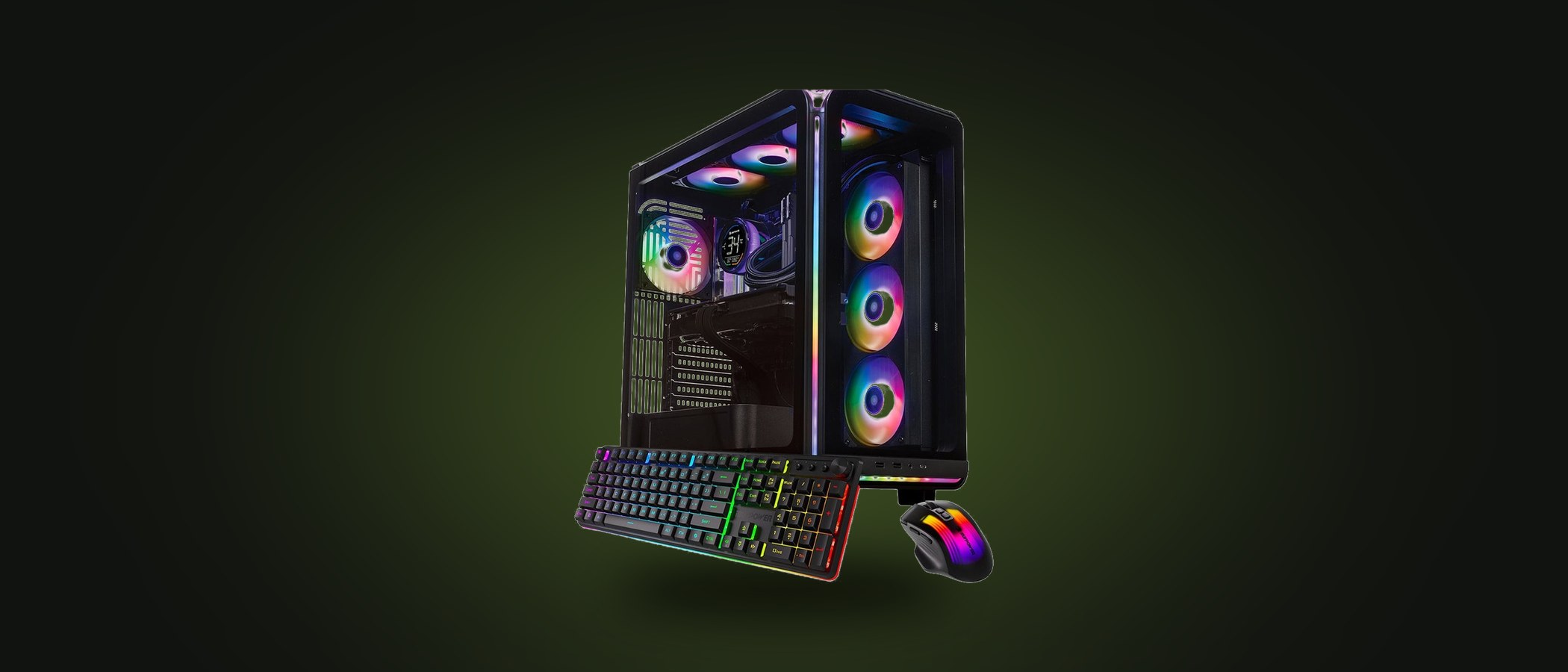
Launch monitor manufacturers publish minimum and recommended specs, and the pattern is the same across all of them: a modern multi-core processor, a dedicated NVIDIA GeForce RTX graphics card, 16 GB of memory or more and a solid-state drive. The graphics card does the heavy lifting because course rendering is essentially a video game.
GSPro, the third-party course software most enthusiasts move to, is the most demanding. It runs on a mid-range gaming PC at 1080p, but for 4K at high settings you want a current-generation graphics card with 12 GB or more of video memory and a fast processor. Skimp here and you get stutter exactly when the ball is in the air.
For GSPro’s official minimum and recommended specs, and what we tell customers to actually buy, see our GSPro PC requirements guide.
Three tiers that cover almost everyone
| Tier | What it does well | Choose it if… |
|---|---|---|
| HD | Manufacturer software and GSPro at 1080p, casual gaming | You have a 1080p projector and mainly use your launch monitor’s own software |
| 4K | GSPro and manufacturer software at 4K, 4K gaming | You have or plan a 4K projector, or the room doubles as a gaming and movie space |
| High-end | GSPro at 4K on high settings with headroom, liquid cooled for long sessions | Commercial bays, multi-sport, or you simply want the best picture for years to come |
These map directly to the three computers we sell. We deliberately keep the listings to tiers rather than part numbers, because we source current-generation gaming desktops and swap models as availability changes. The tier is what we guarantee.
Things people forget
- Ports: you need one video output for the projector and usually one for a control monitor or touchscreen, so check for at least two of HDMI or DisplayPort.
- USB: camera launch monitors want USB 3 ports and, for some, a specific USB controller. Keep them on the motherboard ports, not a hub.
- Windows updates and drivers: set active hours so Windows does not reboot mid-round, and keep the NVIDIA driver current.
- Placement: the tower needs airflow and protection from shanks. A shelf or cabinet on the side wall with the cables run in the wall is ideal.
- Laptops: a gaming laptop with an RTX card works for 1080p and portable setups, but a desktop is better value and easier to cool for 4K.
Not sure which tier fits your launch monitor and projector? Tell us what you are running and we will match it. Advice is free when you buy through Swing Depot, and we test every computer with simulator software before it ships.