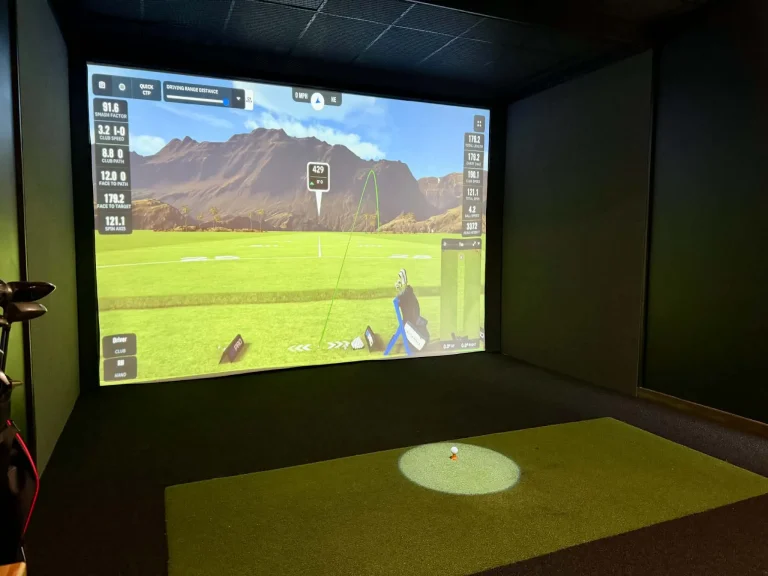
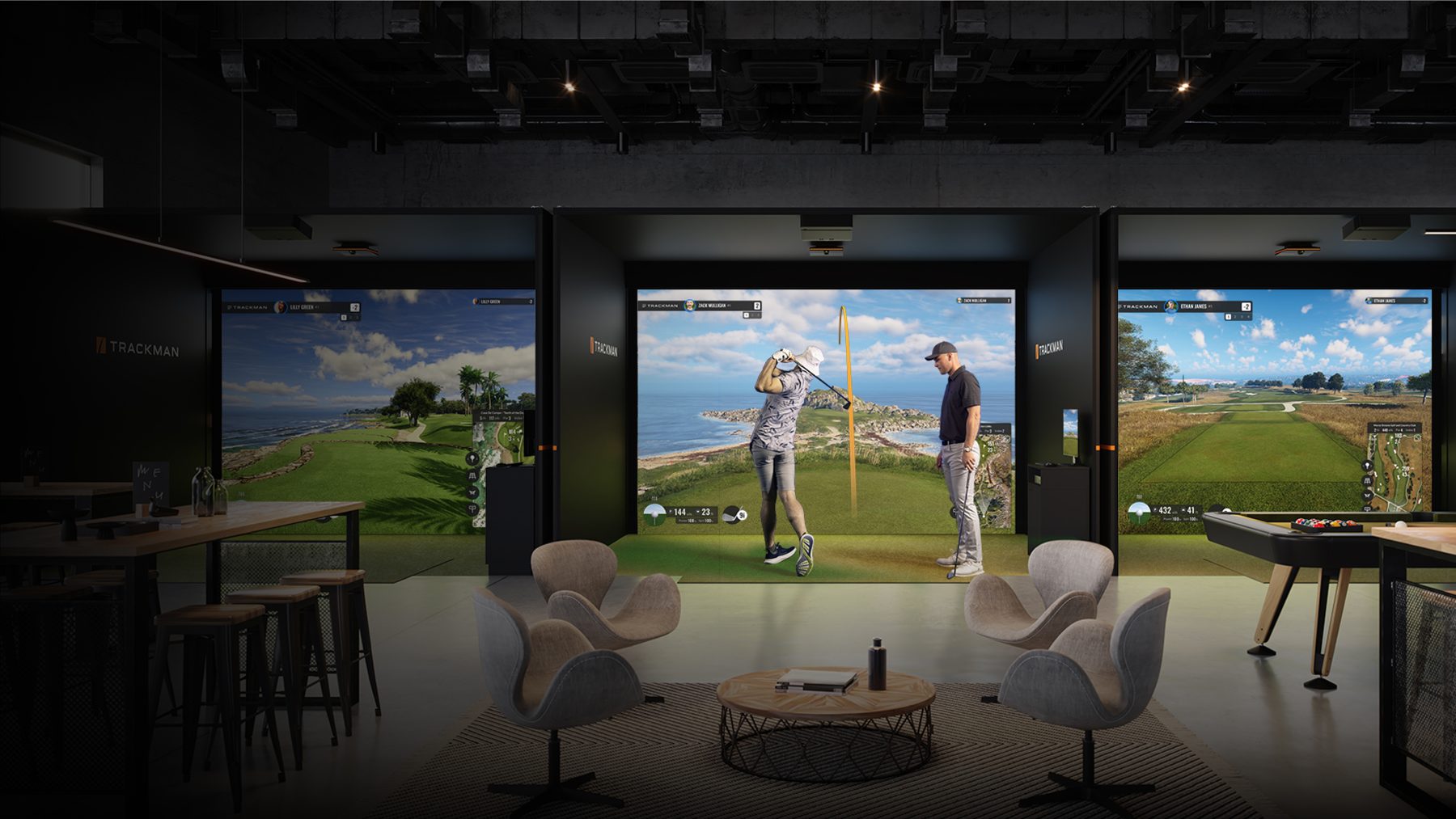
The projector is the part of a golf simulator people research least and regret most. A great launch monitor behind a dim, laggy, badly placed picture still feels cheap. Here is what actually matters when choosing a simulator projector, in the order we check it.
1. Throw ratio: will it fill the screen from where it can mount?
Throw ratio is the projection distance divided by image width. A 0.5 ratio projector makes a 10 foot wide picture from 5 feet away. In a simulator the projector usually mounts on the ceiling between the golfer and the screen, so you want a short-throw (0.5 to 0.8) or ultra-short-throw (under 0.4) lens. A standard 1.5 ratio projector would need to sit 15 feet back, behind the golfer, and you would cast a shadow on every shot.
Measure the distance from your planned mount point to the screen, divide by your screen width, and you have the throw ratio you need. Then check the projector’s zoom range covers it.
2. Aspect ratio: match the screen, not the spec sheet
Simulator screens are usually 4:3, 16:10 or 16:9. Wider rooms suit 16:9; taller, narrower rooms suit 4:3. Most projectors are native 16:9 or 16:10, and software can be set to any of these. Pick the screen shape that fits your room first, then the projector that fills it. A 16:9 projector on a 4:3 screen wastes brightness and shows bars unless the software crops.
3. Brightness: 3,000 lumens is the floor
Impact screen fabric is not a cinema screen, and most simulator rooms have some light on. 3,000 lumens is the minimum for a good daytime picture; 3,500 to 4,000 is better in bright rooms or for screens over 12 feet wide. Laser light sources hold their brightness for tens of thousands of hours and need no bulb changes, which matters in a commercial bay.
4. Input lag: the gaming spec that matters for golf too
Input lag is the delay between the computer sending a frame and the projector showing it. For simulator software you want the ball to appear on screen the instant it leaves the club; for gaming it is the difference between playable and frustrating. Look for a dedicated game mode with lag under 20 ms at 1080p, and check the 4K figure separately, since many projectors are much slower at 4K.
5. Resolution: 1080p is fine, 4K is better on big screens
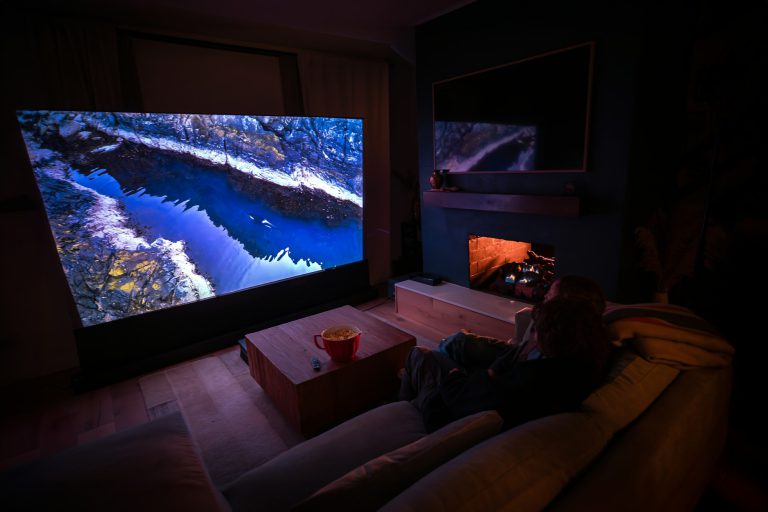
At 10 feet wide, 1080p looks good from the hitting position. 4K adds crispness to course textures and text, and it is the right choice if the room doubles as a home theatre. Just make sure your simulator PC can drive 4K at high settings, and that the projector keeps low input lag at that resolution.
6. Placement and protection
- Mount the projector high enough and far enough forward that no swing, and no shot, can reach it. A ceiling mount 2 to 3 feet in front of the hitting position is typical for short throw.
- Lens shift and keystone help with awkward mounts, but every degree of digital keystone costs sharpness. Get it square if you can.
- A projector enclosure or floor-mounted ultra-short-throw unit behind a guard keeps shanks off the lens.
- Plan a ceiling outlet and an in-wall rated HDMI or fibre HDMI run before the enclosure goes up.
Our short list
We stock a small range of projectors that meet all of the above and that we have set up in our own bays. If you tell us your mount distance and screen size we will confirm the model that fills it. That advice is free with any purchase from Swing Depot.