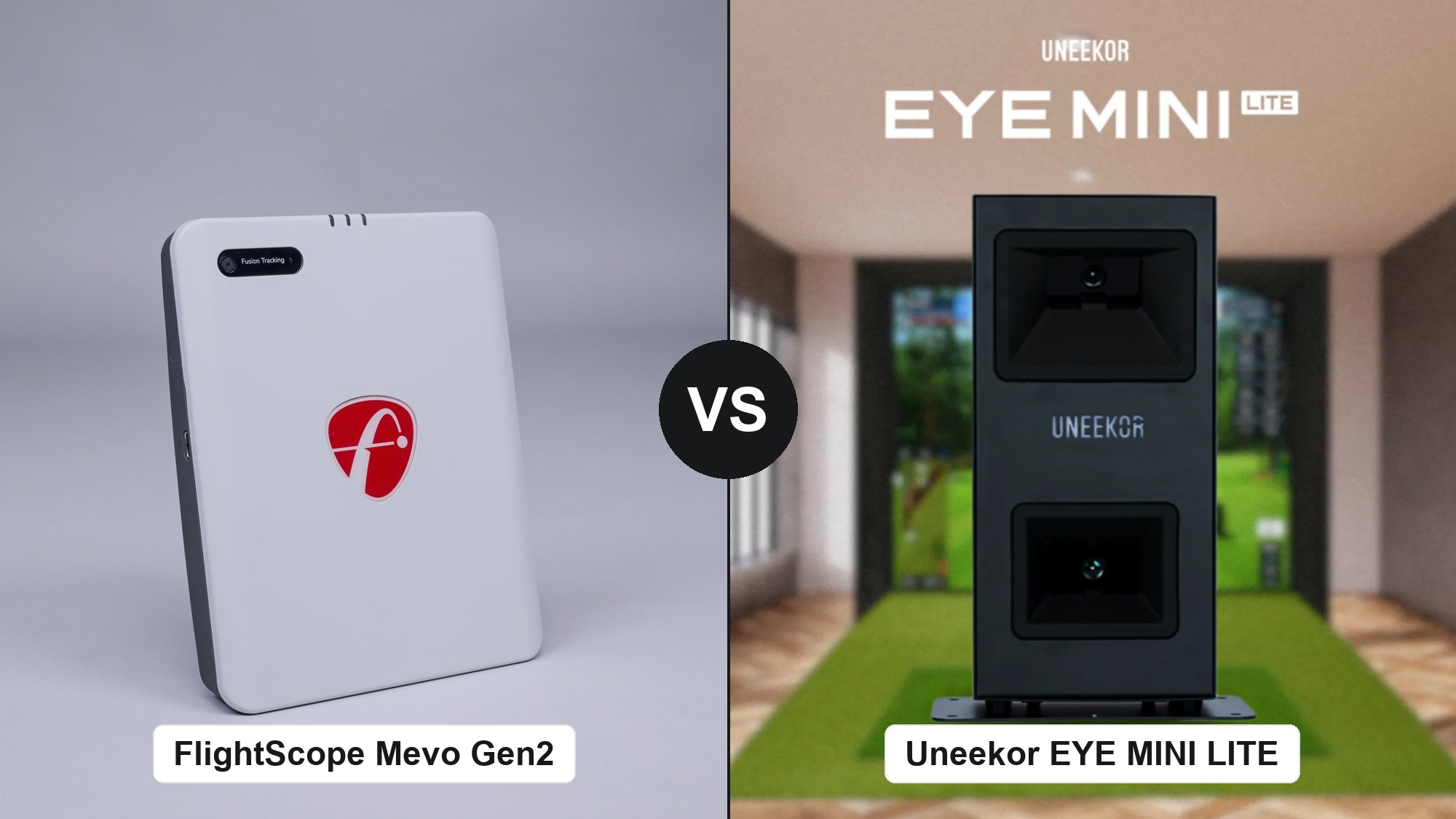
Two launch monitors come up in almost every conversation we have with people building their first simulator: the FlightScope Mevo Gen2 and the Uneekor EYE MINI LITE. Both are excellent, both measure real ball and club data, and both will give you a great winter in the bay. They just get there in different ways. Here is how they compare, and how to pick the one that suits your room and the way you play.
The quick answer
- Choose the Mevo Gen2 if you want one unit for the simulator and the range, want to run it from a phone or tablet, have lefties and righties sharing the bay, or like the idea of paying once for everything.
- Choose the EYE MINI LITE if your bay is a dedicated indoor space with a Windows PC, your room is on the short side, you want spin read from any golf ball with no prep, or you want to grow into Uneekor’s software, swing cameras and AI coaching.
Two different ways to measure a golf shot
The Mevo Gen2 uses FlightScope’s Fusion Tracking: Doppler radar combined with high-speed image processing. It sits behind the ball and follows the shot as it leaves the club, measuring 20 parameters of ball and club data. FlightScope cites independent testing that puts it within about 1% of a Foresight GCQuad and a Trackman 4.
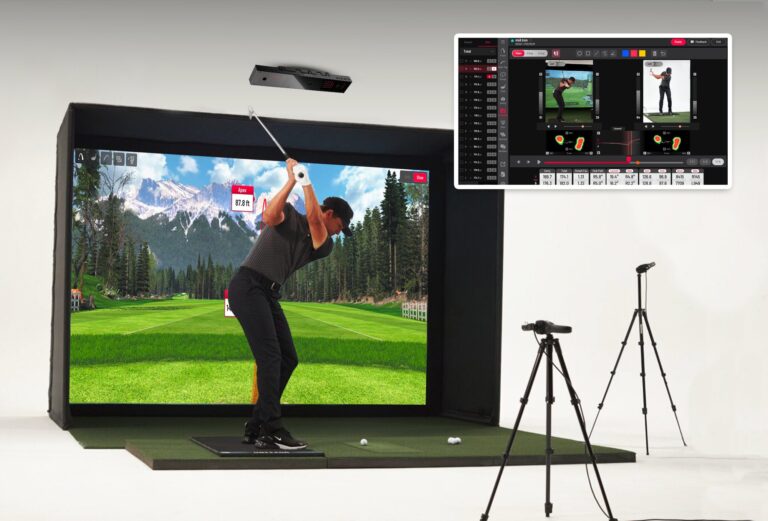
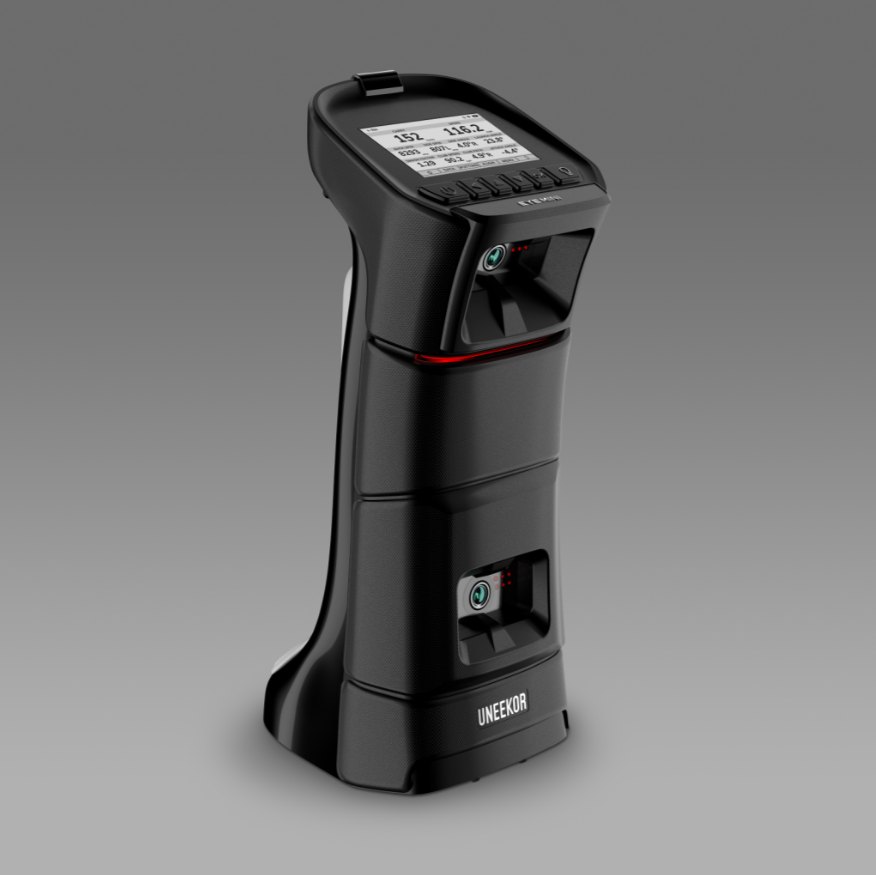
The EYE MINI LITE is photometric. Two high-speed infrared cameras watch the ball and club through impact and measure the launch directly. Uneekor’s Dimple Optix reads the dimples on the ball itself, so spin comes from the real ball, and Club Optix replays the club and ball through contact so you can see what happened at impact.
Neither approach is “better” in general. Radar shines when it can see the ball fly; cameras shine when they can see impact up close. That difference is what drives most of the choices below.
Where each one sits, and how much room you need
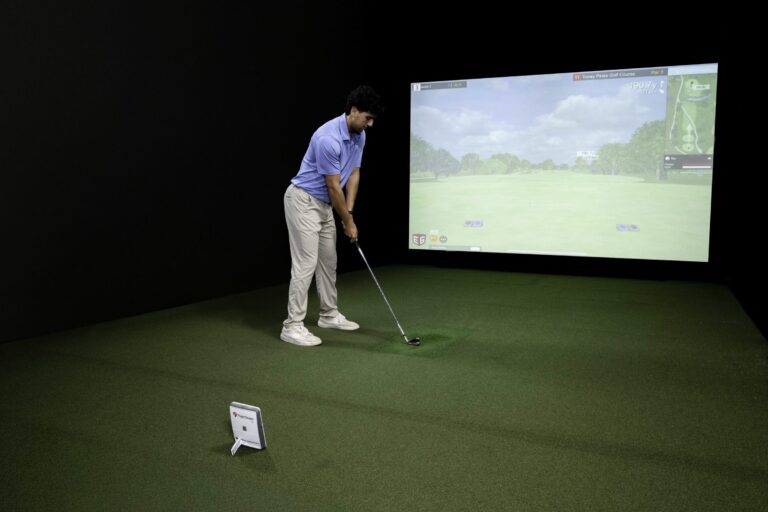
The Mevo Gen2 sits behind the hitting area, looking down the target line. FlightScope’s indoor guideline is 8 feet from the unit to the tee plus 8 feet of ball flight, so plan on about 16 feet from the unit to the screen. The upside of sitting behind: right- and left-handed golfers hit from the same spot and nobody moves the unit.
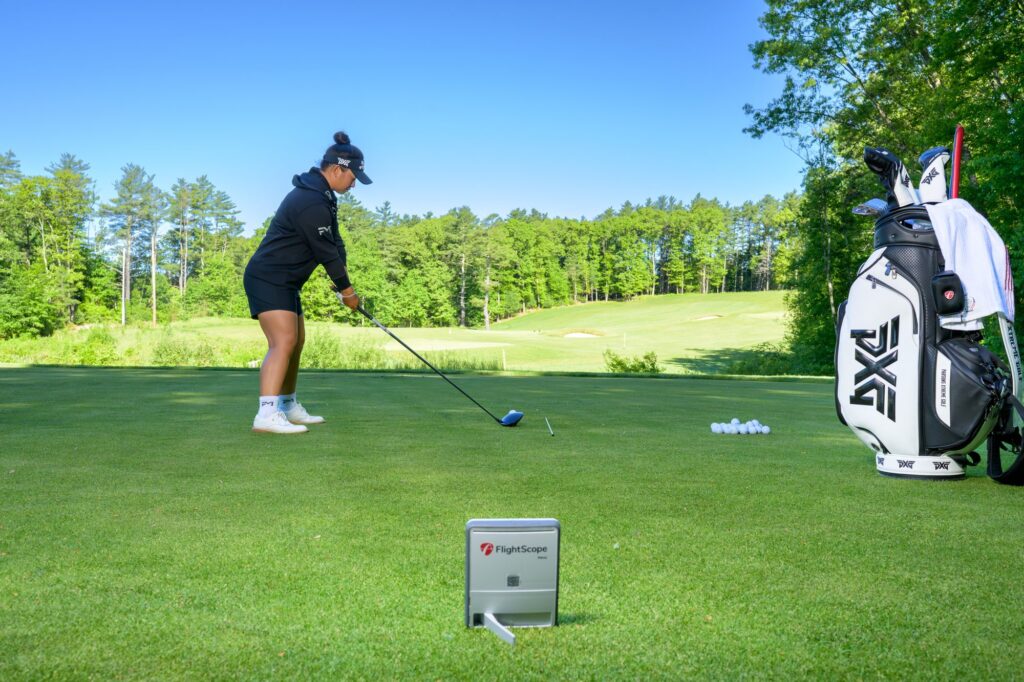
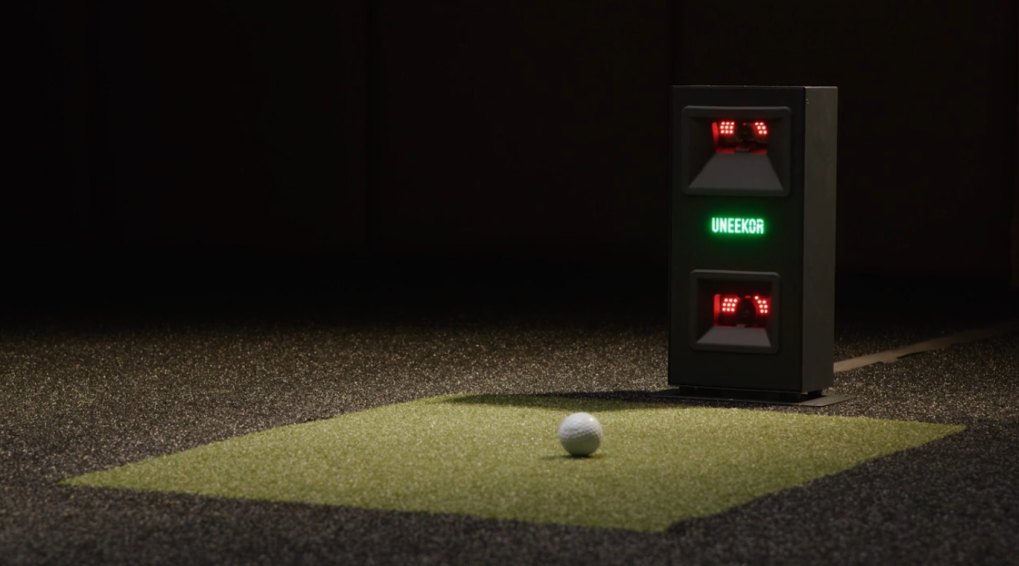
The EYE MINI LITE sits on the floor beside the ball, parallel to the target line, with a 12 by 8 inch hitting zone. Because it reads the ball at impact, it needs no ball flight to work, so it suits rooms where depth is tight. Left-handed players switch it to the other side of the ball, which takes a minute.
If you are not sure about your room, our guide to how much space you need for a golf simulator covers depth, width and ceiling height.
Golf balls and stickers
Both units use stickers, for different jobs. The Mevo Gen2 needs an aluminum sticker on the ball, or Titleist RCT balls, for accurate spin indoors; 100 stickers come in the box. The EYE MINI LITE reads spin from any clean white golf ball with no marking, and uses small stickers on the clubface for club data. Neither is a hassle once you are set up.
What they measure
| FlightScope Mevo Gen2 | Uneekor EYE MINI LITE | |
|---|---|---|
| Technology | Radar plus image processing (Fusion Tracking) | Two high-speed infrared cameras |
| Ball data | Carry, roll, total, ball speed, launch and side angle, spin rate and axis, apex, flight time, lateral landing, dispersion | Ball speed, launch and side angle, back spin, side spin, spin axis, carry, run, total, apex, flight time, angle of descent |
| Club data | Club speed, smash factor, angle of attack, spin loft; add club path, face angle, swing plane and low point with the Pro Package | Club speed, club path, attack angle and smash factor (with club stickers) |
| Strike location | With the Face Impact Location upgrade | Club Optix impact video shows the club and ball through contact |
| Putting | Launch speed, total distance and ball direction | Through Uneekor and third-party software |
The short version: the Mevo Gen2 can grow into the most detailed club data of the two through its optional upgrades, while the EYE MINI LITE gives you path, attack angle and a close-up impact replay from day one.
How you connect and play
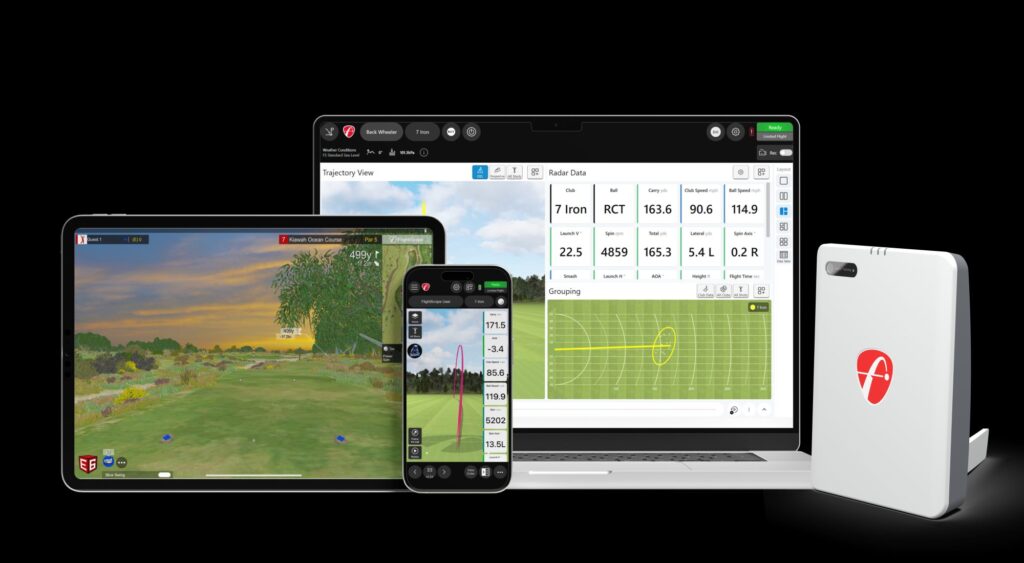
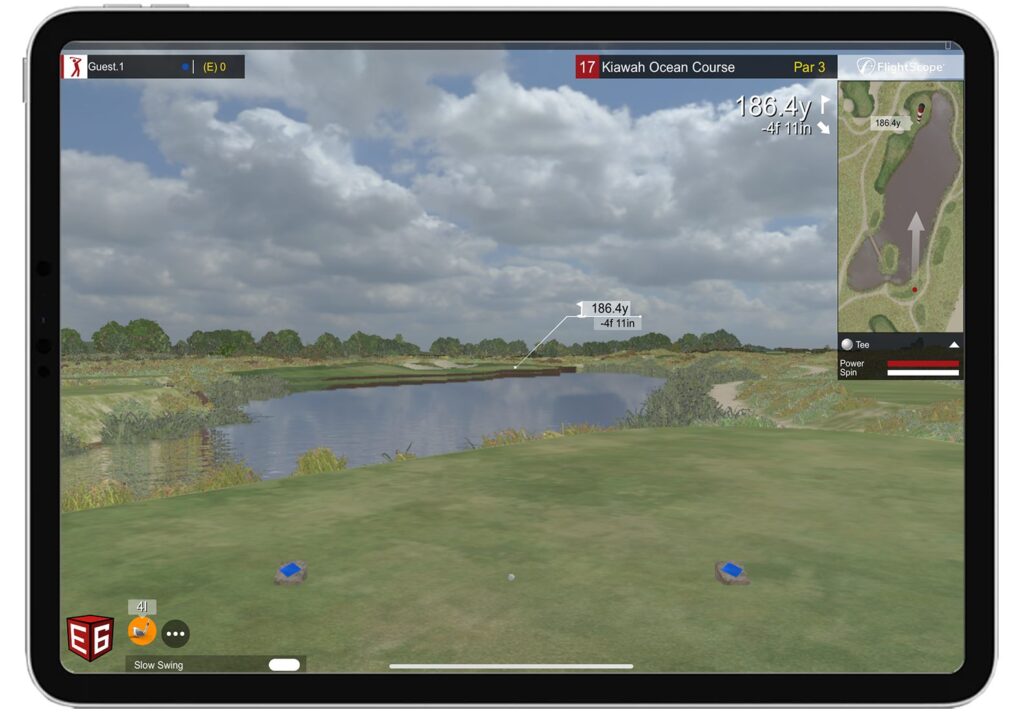
The Mevo Gen2 makes its own Wi-Fi network and runs on an iPhone, iPad, Android device or Windows PC with the free FS Golf app, which also records your swing on the built-in camera. For course play it works with E6 Connect, Awesome Golf and GSPro, and it comes with eight E6 Connect courses that you own outright.
The EYE MINI LITE is built for a dedicated bay: it plugs into the wall and connects to a Windows PC by Ethernet. A wired connection is rock solid, which is exactly what you want in a room where the launch monitor never moves. It comes with Uneekor’s VIEW software and virtual driving range, and Uneekor’s memberships open up its REFINE course play, GAMEDAY, AI Trainer and third-party software such as GSPro and E6 Connect. Uneekor’s Plus memberships include a year of GSPro.
Software: two different models
This is the biggest philosophical difference, and both have real advantages.
FlightScope: pay once. All core data, firmware updates and the included courses are yours with no subscription. The Pro Package and Face Impact Location upgrades are one-time purchases too. If you like knowing exactly what you own, the Mevo Gen2 is hard to beat.
Uneekor: a platform that keeps growing. Your ball and club data and the VIEW driving range are included for free. Memberships add Uneekor’s own course play and game modes, AI-powered coaching and access to third-party simulator software, and Uneekor keeps adding to them. If you want your bay to feel new every season, that ecosystem is a big part of the appeal.
Room to grow
The Mevo Gen2 grows through its two one-time upgrades, and it stays useful forever as a range and travel unit even if you later add an overhead system.
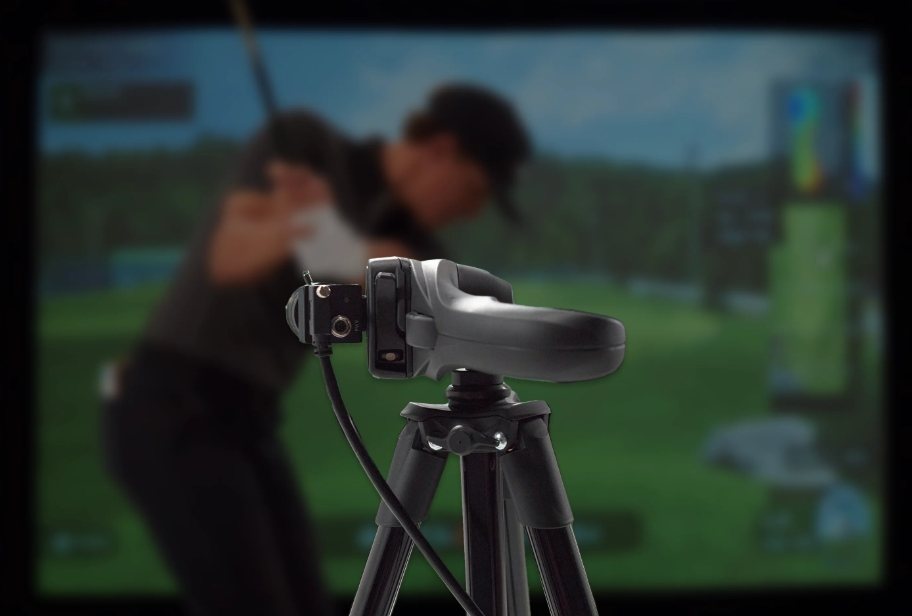
The EYE MINI LITE grows into the Uneekor family. Add Swing Optix cameras and AI Trainer for two-angle swing video and coaching after every shot. If you later want to take it outside, the EYE MINI is the same launch monitor with a battery, built-in display, Wi-Fi and iPad support. And Uneekor’s overhead models, like the EYE XR, run the same software you already know.
Which one is right for you?
| If you… | We would lean toward |
|---|---|
| Want to practise at the range as well as in the bay | Mevo Gen2 |
| Want to play from a phone or tablet without a PC | Mevo Gen2 |
| Share the bay between right- and left-handed golfers | Mevo Gen2 |
| Prefer one-time costs and no memberships | Mevo Gen2 |
| Have a shorter room | EYE MINI LITE |
| Want spin from any golf ball with no stickers on the ball | EYE MINI LITE |
| Want a wired, set-and-forget bay with a dedicated PC | EYE MINI LITE |
| Want swing cameras and AI coaching down the road | EYE MINI LITE |
The short version
You will not regret either one. The Mevo Gen2 is the flexible, pay-once choice that goes wherever you do. The EYE MINI LITE is the dedicated indoor choice that plugs into a growing software platform. Pick the one that matches your room and how you like to play, or tell us about your space and we will help you decide. For more detail on the Mevo, read our FlightScope Mevo Gen2 review.
Specifications are from FlightScope’s and Uneekor’s published product information. Memberships and third-party software are sold by their makers; check their sites for current options.