Every golf simulator is built around its launch monitor. It is the sensor that turns your swing into ball flight, and where it sits in the room shapes the whole build. There are three placements to choose from, and each has a clear best use.
Overhead (ceiling-mounted) launch monitors
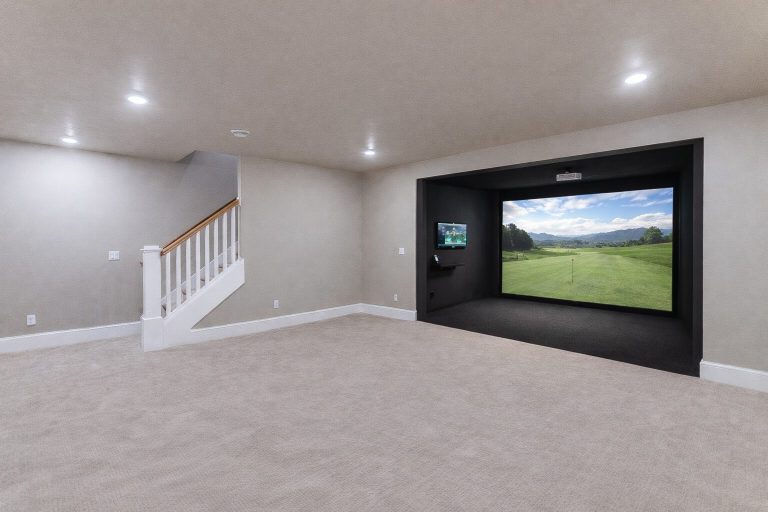
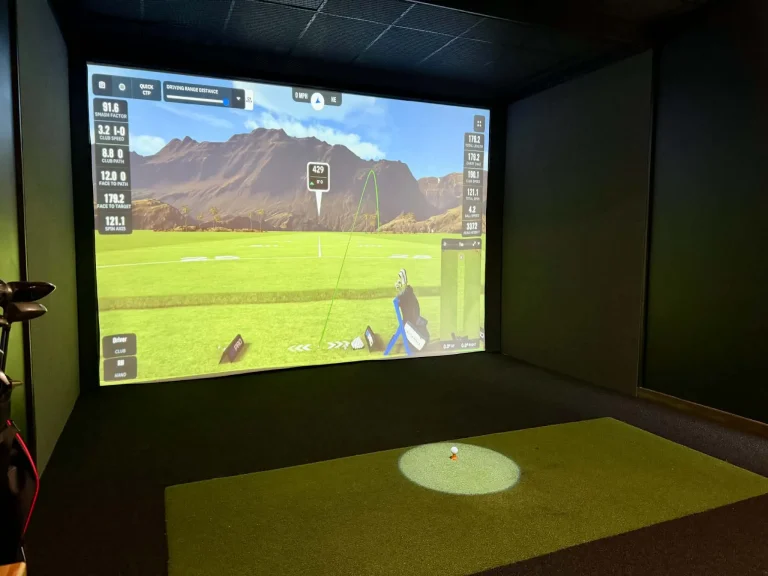
Overhead units mount above the hitting area and look straight down at the ball and club. Most use high-speed cameras; a few use radar from the ceiling, which is less common but works the same way for the room. Nothing sits on the floor, right and left handers can hit from the same spot without moving anything, and the unit is out of the way of stray shots.
- Best for: dedicated rooms, centre-swing bays, families with both right and left handers, commercial bays.
- Watch for: a fixed installation with a specific mounting height, so confirm your ceiling fits the unit before buying. Most need 9 to 10.5 feet.
- Depth needed: the least of the three, which is why overhead cameras suit basements and garages.
Ground (floor) launch monitors
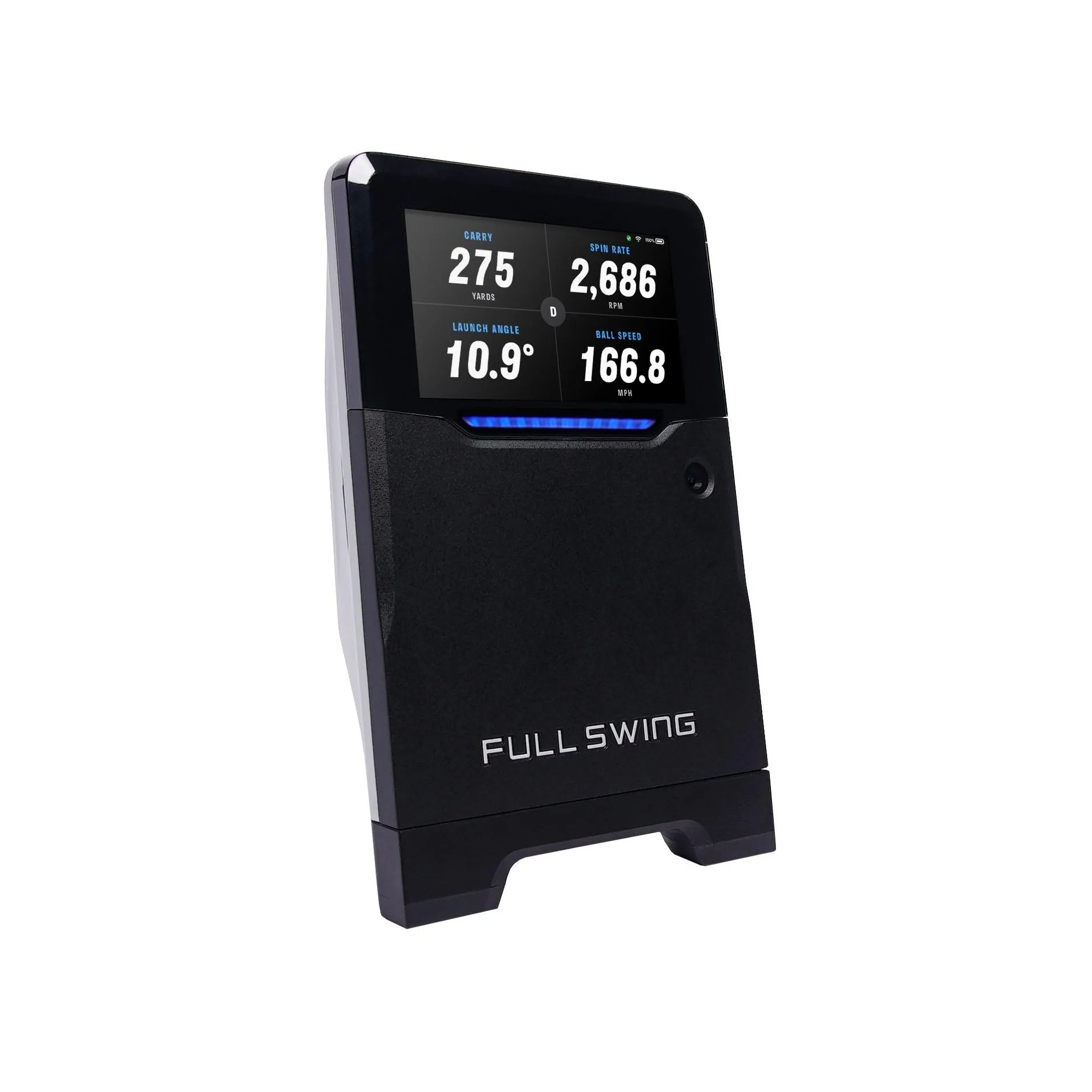
Ground units sit on the floor beside the ball and use cameras or a mix of cameras and radar. They are quick to set up, can move between rooms or out to the range, and cover a wide price range, from entry-level to tour-grade camera systems.
- Best for: golfers who want tour-level data without a permanent install, rooms where ceiling mounting is impractical, and anyone who also practises outdoors.
- Watch for: switching between right and left handed play means moving the unit, and it needs a clear view of the ball with no mat edge or tee in the way.
- Depth needed: similar to overhead, with a little clearance beside the mat.
Portable and radar launch monitors
Portable radar units sit behind the golfer and track the ball with Doppler radar. They are the easiest to move and often the most affordable way into a simulator, and the top radar systems are what you see on tour.
- Best for: longer rooms, golfers who split time between the range and the sim, and budgets that start small and grow.
- Watch for: radar needs room. Plan 7 to 9 feet behind the ball plus 8 to 12 feet of ball flight, and indoors you will want RCT balls for measured spin.
- Depth needed: the most of the three, usually 20 feet or more.
Which one should you buy?
Start with how you practise, not just the room. If you spend real time at the driving range or on the course, a ground or portable unit that travels with you is worth a lot: the same numbers indoors and out, and a launch monitor that earns its keep all summer. Most ground units run on battery, fit in a golf bag pocket or a small case, and set up beside the mat at the range in a minute. Overhead units stay home.
Then remember that nothing about a simulator is permanent. Every component can be upgraded later: the launch monitor, projector, screen, PC and mat are all independent. A common and sensible path is to buy a ground unit now to save money, but wire the room for overhead while the walls and ceiling are open: run power and a data cable to the ceiling mount position, and leave the ceiling height and mounting zone clear. When the budget allows, the overhead unit goes in over a weekend and the ground unit becomes your range companion.
| If you have… | Start with |
|---|---|
| A dedicated room 14 to 18 ft deep with a 9.5 ft+ ceiling | Overhead camera |
| A room you share with other uses, or you also practise outside | Ground camera |
| A long room (20 ft+) or a garage bay | Radar, ground or overhead all work |
| Both right and left handers in the house | Overhead camera |
| A tight budget that will grow later | Ground or portable now, wire the ceiling for overhead |
| Range and course practice as well as the sim | Ground or portable |
There is no wrong answer, only a wrong fit for the room. Measure first (our room size guide has the numbers), then send us the dimensions and we will tell you which systems fit. Advice is free when you buy through Swing Depot.