

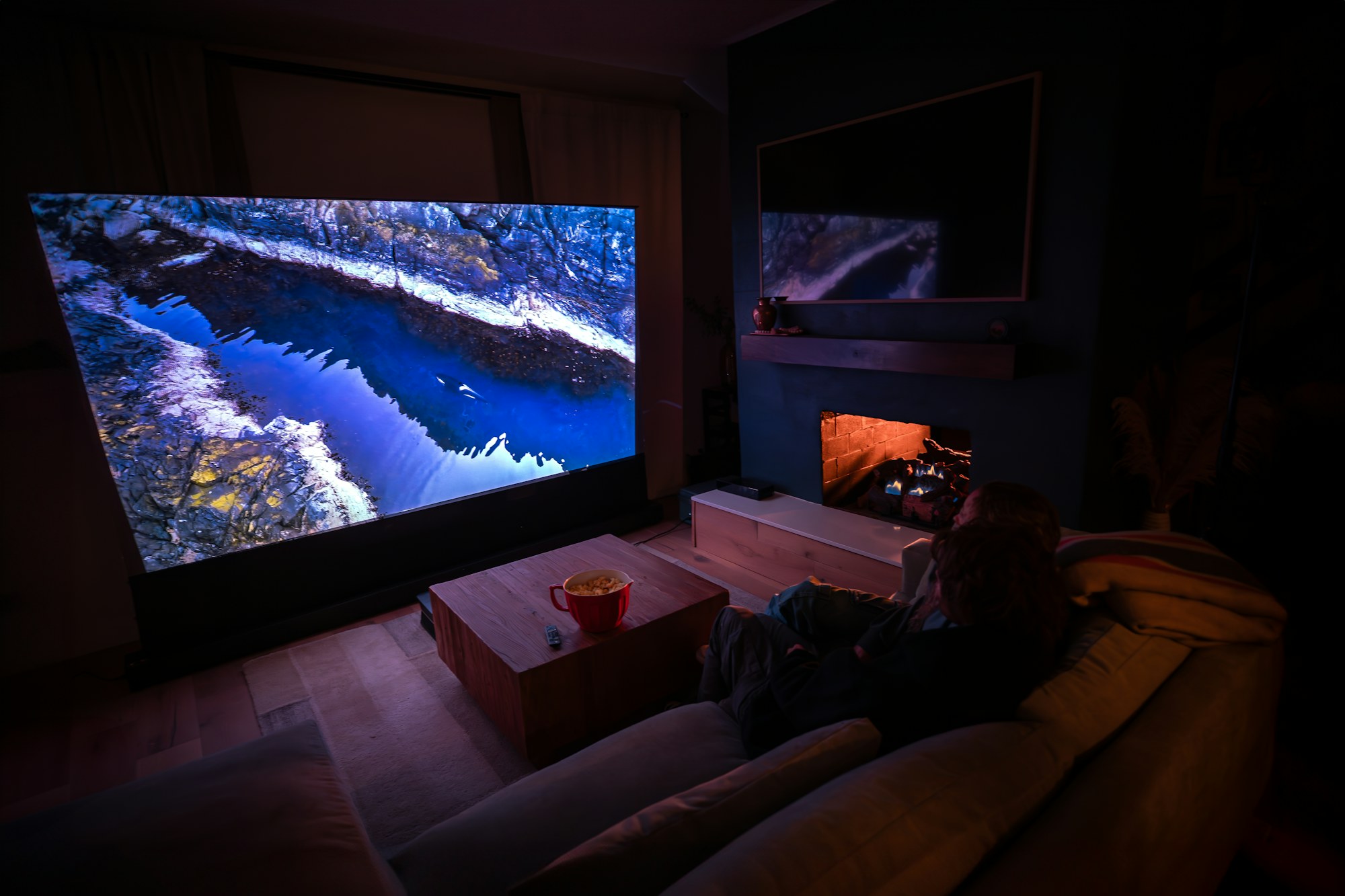
Movie night
A golf simulator by day. A home theatre by night.
The same projector, screen and room that give you a driving range at home can be a full home theatre. Here are our recommendations for doing it well, including the one upgrade that keeps ball marks off your movie.
Two approaches
Watch on the impact screen, or add a drop-down movie screen
Both work. The right choice depends on how much you care about picture quality and how hard you hit.
Recommended setup
What to put in the room
1
Projector
4K with HDR is worth it at this screen size. If you add a drop-down screen, auto-focus or lens memory is a must so the picture snaps sharp on either surface. Aim for 3,000 lumens or more, a low-noise fan, and a mount position that works for both screens.
2
Sound
An AV receiver with 5.1 or 7.1 speakers, or a Dolby Atmos soundbar and subwoofer. In-wall or in-ceiling speakers keep everything out of the swing zone and look clean. Put the subwoofer behind or beside the seating, not near the mat.
3
Seating
A sectional or recliners behind the turf for movie night, and bean bags or soft chairs on the turf for the kids. A large rug over the turf in front of the couch turns the space into a living room in seconds.
4
Lighting and control
Dimmable lights, blackout blinds on any windows, and a universal remote or smart-home scenes for golf mode and movie mode: lights down, screen down, receiver on the right input, projector focused.
Sources
Streaming, discs and consoles
Run everything into the receiver or an HDMI switch so one cable goes to the projector: an Apple TV, Roku or Fire TV for streaming, a 4K Blu-ray player if you collect discs, and any game console. Your simulator PC can stream too, so you may not need a separate box at all.
Expert services
Want the projector, screen and sound specified for your room?
Free technology advice for Swing Depot customers. Hire us to design the full room, shed or commercial bay, starting at $299.