

Beyond golf
Your golf simulator is also the biggest gaming screen in the house.
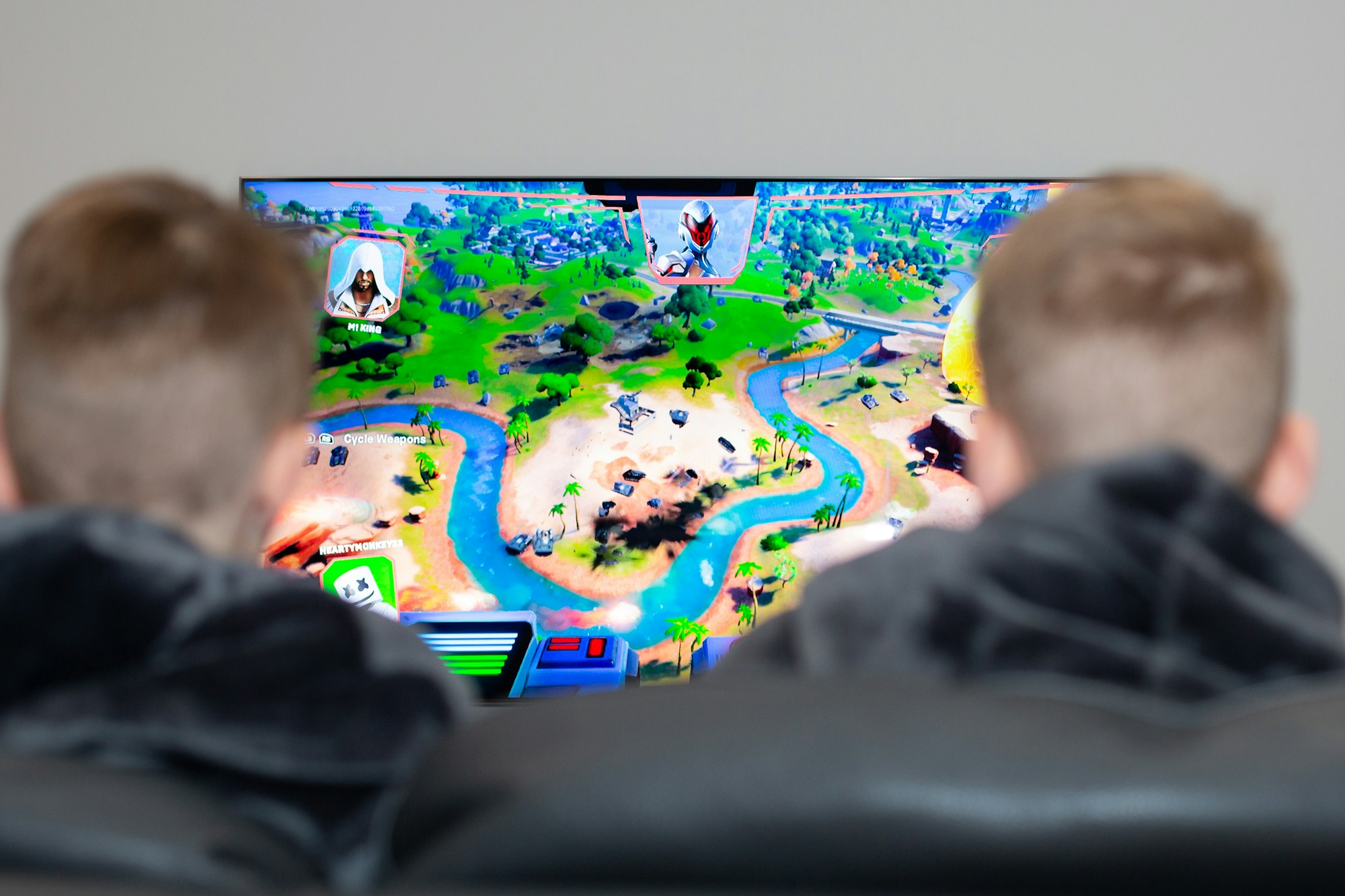
Plug in a PlayStation, Xbox, Switch or gaming PC and play on a ten-foot screen with room-filling sound. Here is what to set up so it works as well for game night as it does for range sessions.
Any platform, one HDMI cable
Hook up any console or PC
Every projector has HDMI inputs, so anything that outputs HDMI plays on your simulator screen: PlayStation 5, Xbox Series X and S, Nintendo Switch, a gaming PC or Steam Deck, and streaming boxes like Apple TV or Roku. Your launch monitor software is already running on a PC, so a second HDMI source is all it takes.
Switch sources without swapping cables
Run the simulator PC and your console into an AV receiver or a simple HDMI switch, then send one cable to the projector. One button takes you from golf mode to game mode. If you want 4K at 120 Hz for competitive play, make sure the switch, receiver and cable are all rated HDMI 2.1.
- Simulator PC and console into a receiver or HDMI switch, one output to the projector
- Wireless controllers with a charging dock near the seating, not on the turf
- Keep the console on a shelf or in a cabinet on the side wall, out of the swing zone
- A long, in-wall rated HDMI or fibre HDMI cable for projector runs over 25 feet
The essentials
What your simulator needs for great gaming
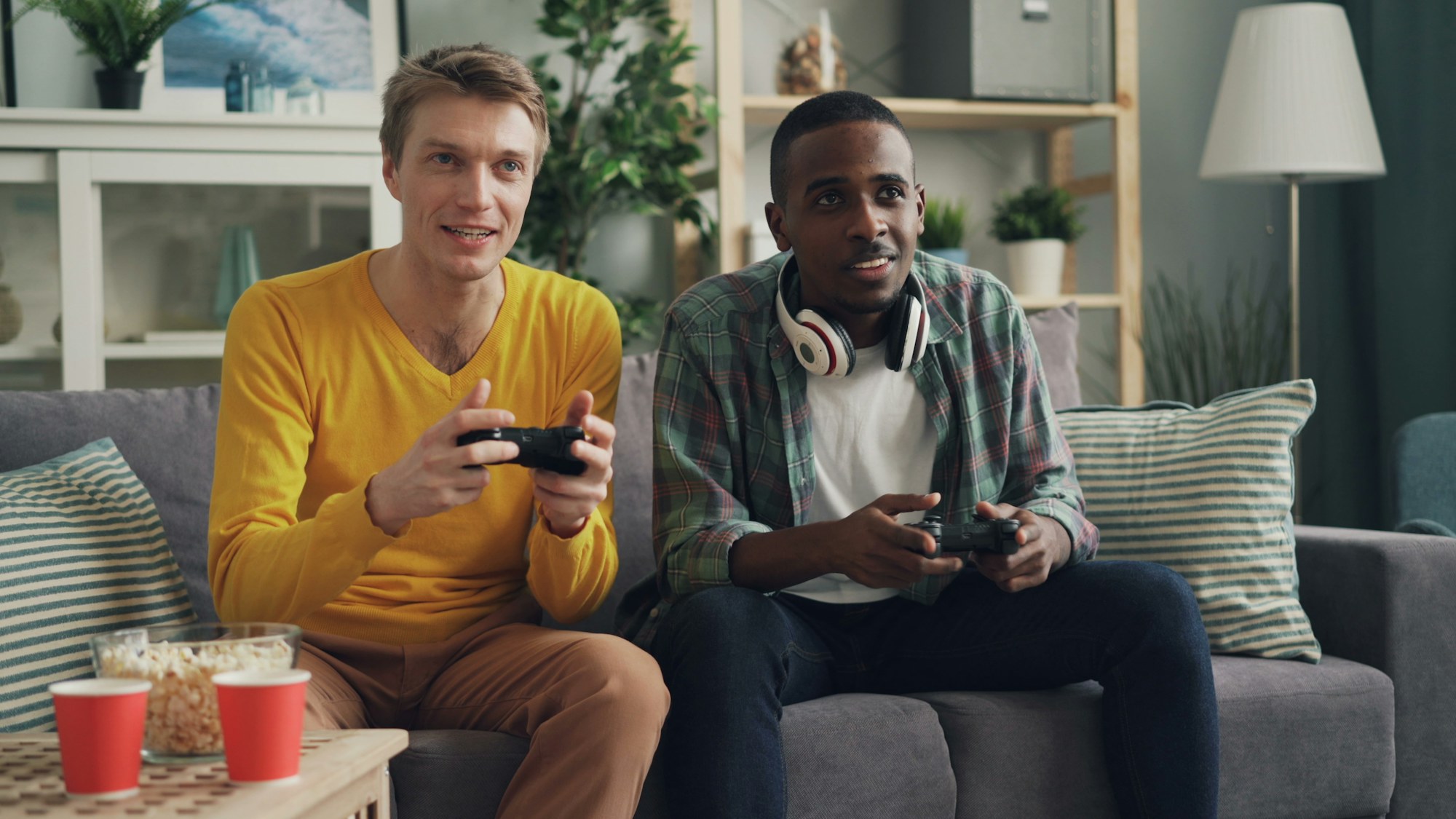
A simulator built only for golf can feel flat for games and movies. Four upgrades make the difference.
1
A good projector
Look for 1080p at minimum and 4K if you can. A short-throw or ultra-short-throw model keeps players from casting shadows on the screen. For gaming specifically, pick a projector with a low input lag game mode, ideally under 20 ms, and 3,000 lumens or more so the picture holds up with the lights on.
2
Surround sound
Big screen, big sound. An AV receiver with a 5.1 speaker set, or a quality soundbar with a subwoofer, fills the room. Mount rear speakers behind the seating and keep every speaker outside the swing and ball-flight zone.
3
Comfortable seating
Bean bags and soft, lightweight chairs are the right call on the turf: nothing hard or heavy that dents the mat or gets in the way of a swing. Put a proper couch or sectional behind the hitting area for the people watching, well clear of the club.
4
Simple controls
Dimmable lighting, a universal remote or smart-home scene for “golf mode” and “game mode”, and tidy cable management. The fewer steps to switch over, the more the room gets used.
Layout tips
Plan the room for both
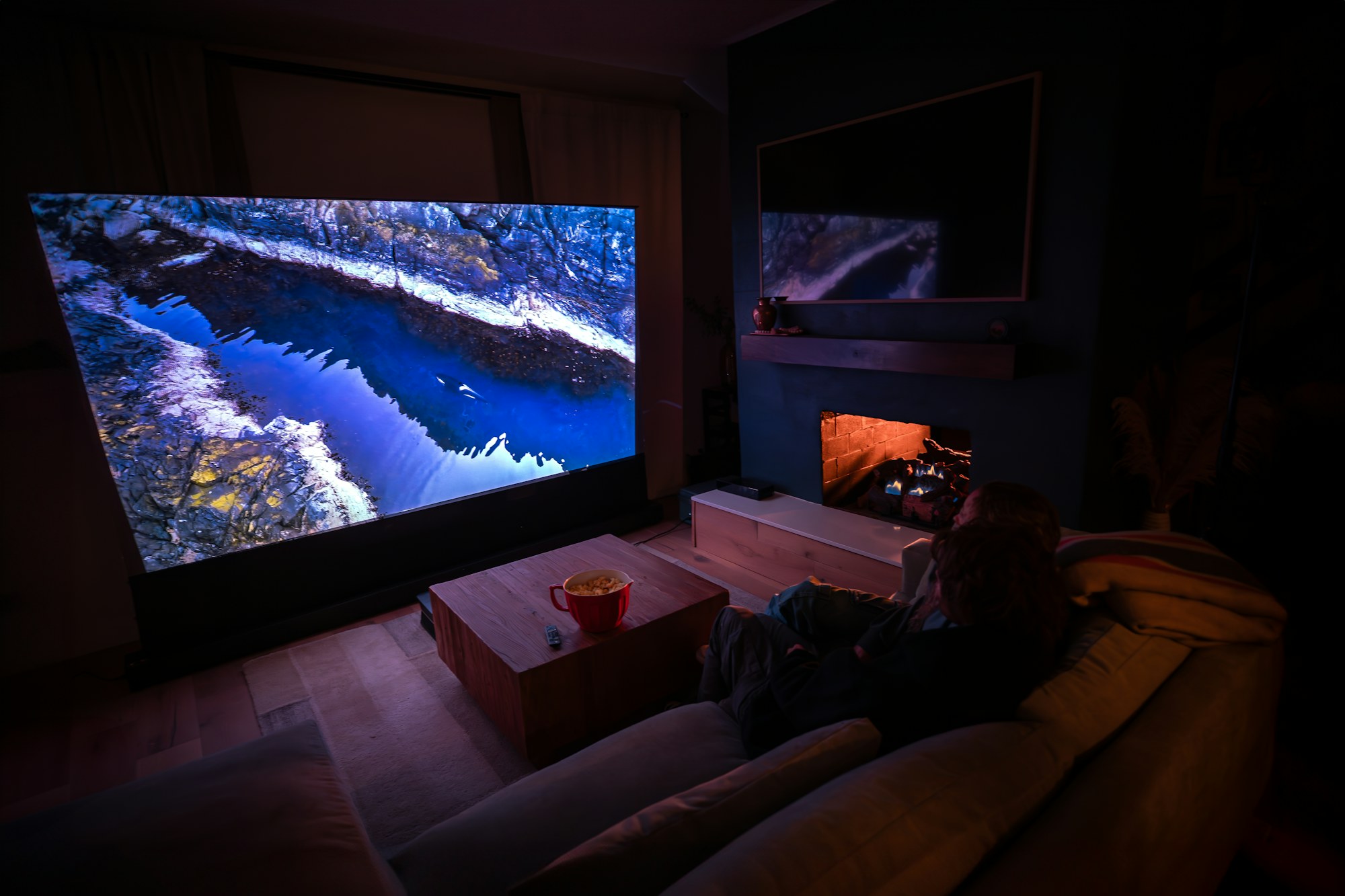
The hitting area is the priority, but a few layout decisions up front make the room work as a lounge too.
- Seating goes behind the hitting line, never beside it
- Leave a clear path from the door to the couch that does not cross the turf
- Run power and HDMI to the side wall where the console and receiver will live
- A rug or runner over the turf in front of the couch makes movie and game nights feel more like a living room
- Choose a projector mount position that works for both the impact screen and, if you add one later, a drop-down movie screen
Game night
Games that shine on a wall-sized screen
Golf titles are the obvious pick, and with a launch monitor you get real-swing games built into most simulator software, from closest-to-the-pin to full courses. Beyond golf, racing and sports titles are spectacular at ten feet wide, and party games turn the room into the spot everyone wants to hang out in. Multi-sport launch monitors add soccer, baseball, hockey and more with the same screen and enclosure.
Expert services
Not sure which projector or sound setup fits your room?
Our team gives free technology advice to Swing Depot customers and can be hired to design the whole space, starting at $299.